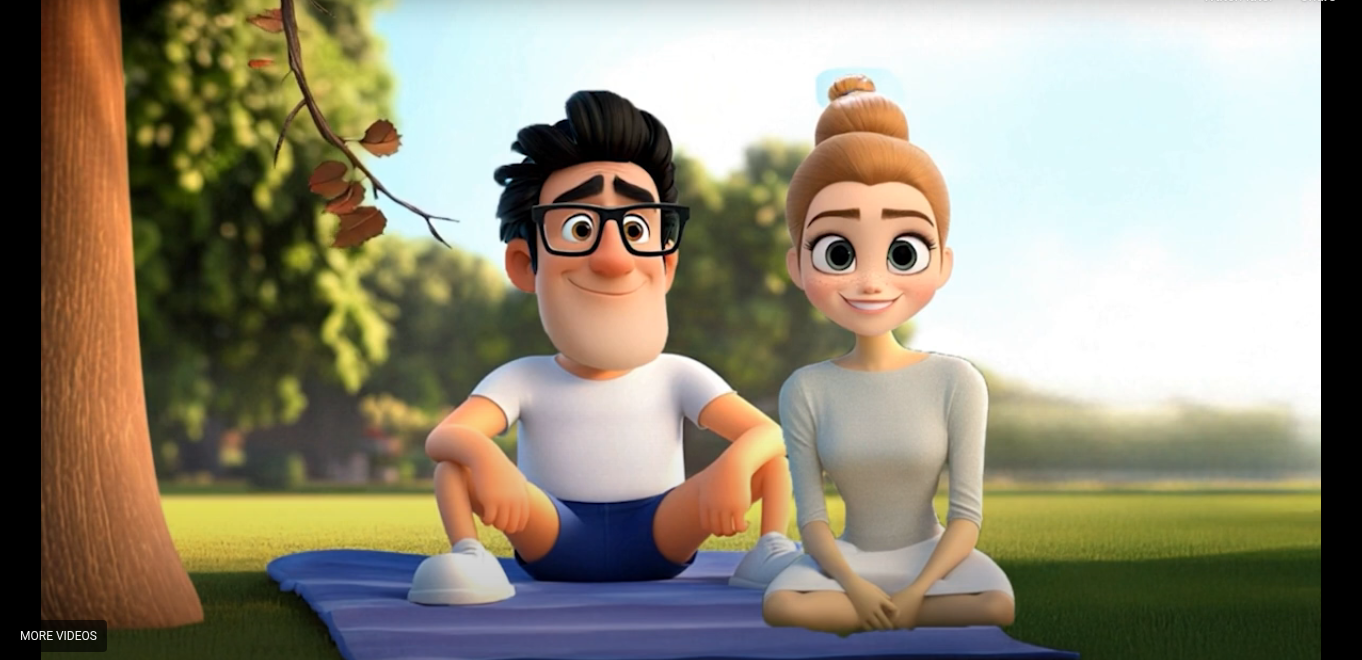
You want people to understand what you offer in seconds, not minutes. That is where an explainer video helps you. It tells your story in a simple and clear way. It explains your product or service without confusing words. When done right, it helps your audience trust you and take action.
If you run a business, you know how hard it is to grab attention. Long text blocks do not work anymore. People scroll fast. They skip complex details. They want quick answers. A short, clear video can give them exactly that.
In this guide, you will learn what this type of video is, why it matters for your business, and how you can use it to increase conversions.
What Is an Explainer Video?
An explainer video is a short video that explains your product, service, or idea in a simple way. It usually runs between 60 to 120 seconds. It focuses on a problem your audience faces and shows how your solution helps.
These videos often use:
- Simple visuals
- Clear voiceover
- Short scripts
- Easy examples
The goal is not to impress with fancy effects. The goal is to make things easy to understand.
When your message is clear, people feel confident. And confident visitors are more likely to become customers.
Why Your Business Needs One
You may think your website already explains everything. But most visitors do not read every word. They scan. They skim. They leave.
A short animated or live-action video can:
- Grab attention in the first few seconds
- Explain complex ideas in simple steps
- Build trust quickly
- Increase conversions
- Reduce bounce rate
If your product is new or technical, a visual explanation helps even more. Instead of reading a long paragraph, your audience can watch and understand instantly.
How It Helps You Increase Sales
People buy when they understand value. If they do not understand what you offer, they leave.
A strong product explanation video works because it:
- Focuses on the customer’s problem
- Shows the solution clearly
- Explains benefits, not just features
- Ends with a clear call to action
For example, instead of saying “Our software has advanced analytics,” you can show how it saves time and helps users make better decisions.
When viewers see how your solution fits into their life, they are more likely to click “Buy Now” or “Get Started.”
Where You Can Use It
You are not limited to your homepage. You can use this type of video in many places:
- Landing pages
- Product pages
- Social media ads
- Email campaigns
- Sales presentations
- App store listings
Each platform gives you a chance to reach new customers. A short animated clip on social media can stop someone from scrolling. A homepage video can keep visitors on your site longer.
The more strategic you are with placement, the better results you get.
What Makes a Great Video?
Not all videos perform well. Some look good but fail to convert. Here is what you should focus on:
1. A Strong Hook
The first 5–10 seconds matter most. Start with a problem your audience faces. Make them feel understood.
2. Simple Script
Avoid hard words. Use short sentences. Speak directly to “you.” Clarity wins over complexity.
3. Clear Structure
A good structure looks like this:
- Problem
- Solution
- Benefits
- Call to action
4. Clean Visual Style
Too many elements can distract viewers. Keep visuals neat and easy to follow.
Choosing the Right Explainer Video Studio
When you work with an explainer video studio, you want more than just animation. You want a team that understands your audience and your goals.
Look for:
- Experience with similar businesses
- Strong portfolio
- Clear communication
- Simple production process
- Transparent pricing
Ask about their script process. A good studio spends time understanding your business before writing anything.
You should also check how revisions are handled. Clear feedback steps help you avoid delays.
Animation vs Live Action: Which One Is Better?
Both styles work well. It depends on your business and message.
Animated videos are great for:
- Software products
- Startups
- Complex ideas
- Tech services
Live-action videos are good for:
- Personal brands
- Physical products
- Service-based businesses
- Local companies
If you want to explain a digital product, animation often makes it easier. You can visualize things that cannot be filmed in real life.
How Long Should It Be?
Shorter is better. Aim for 60 to 90 seconds. If your product is complex, you can go up to 120 seconds.
Remember this: every second should add value. If a line does not help the viewer understand or take action, remove it. Respect your audience’s time. When you keep it short and clear, they stay engaged.
Script Tips You Can Use Today
If you are planning to create one soon, here are some simple writing tips:
- Start with “Are you struggling with…?”
- Use “you” and “your” often
- Keep sentences under 15 words
- Focus on benefits, not features
- End with one clear action
For example:
“Start your free trial today.”
“Book a demo now.”
“Get started in minutes.”
Do not confuse viewers with too many options.
Common Mistakes to Avoid
Many businesses make these mistakes:
- Talking too much about themselves
- Using technical language
- Making the video too long
- Forgetting a call to action
- Adding too many effects
Your audience cares about their problem first. Make them the hero. Your product is the guide.
Measuring Success
After publishing your video, track results. Look at:
- Watch time
- Click-through rate
- Conversion rate
- Engagement
If people stop watching early, your intro may need improvement. If views are high but conversions are low, your call to action may need work.
Small changes can make a big difference.
Is It Worth the Investment?
Yes, if done right. A good video can work for you 24/7. It explains your offer while you focus on other tasks.
Instead of answering the same questions again and again, your video does it for you.
It also builds trust. When people see your message clearly presented, they feel more confident buying from you.
Final Thoughts on Using an Explainer Video
If you want to communicate clearly and grow faster, an explainer video is a smart choice. It helps your audience understand what you do and why it matters. When people understand you, they trust you. And when they trust you, they buy.
If you are thinking about creating one, consider working with professionals who know how to keep things simple and focused. A team like ExplainCraft can guide you through the process and help you turn your message into a clear and engaging video that speaks directly to your audience.