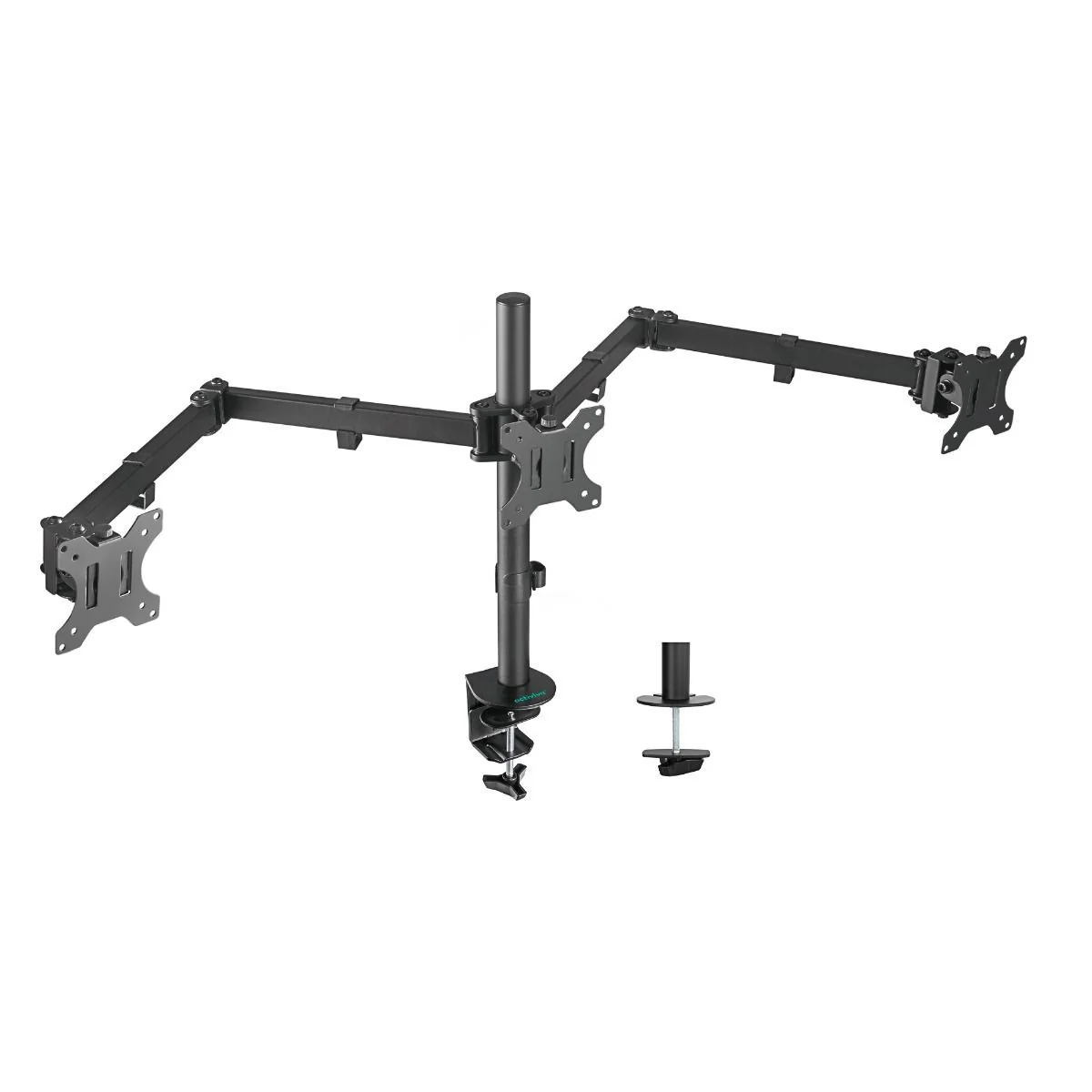
If your desk feels crowded or your neck feels sore after long hours, a wall mount monitor arm can help fix that. It lifts your screen off the desk and lets you adjust the height and angle with ease. This gives you more space, better posture, and a cleaner setup without changing your desk or chair.
Many people work, study, or game for hours every day. When your monitor sits too low or too far away, your body slowly feels the strain. Over time, this can lead to neck pain, tight shoulders, and back discomfort. Mounting your screen on the wall helps you place it at eye level, which makes daily work more comfortable.
Why Screen Height Affects Your Comfort
Your screen position plays a big role in how your body feels. If the monitor is too low, you bend your neck forward. If it is too high, you tilt your head up. Both positions cause stress on your muscles.
When your screen sits at the right height:
- Your neck stays straight
- Your shoulders stay relaxed
- Your back stays supported
This helps you sit naturally without shifting your posture again and again during the day.
More Desk Space Without Changing Furniture
Standard monitor stands take up more space than you realise. They block room where you could place notebooks, keyboards, or other items.
A wall-mounted screen holder removes the monitor base completely. This gives you:
- More space to work
- A cleaner desk surface
- Easier cable control
Even small desks feel larger once the monitor stand is gone.
Ideal for Small Rooms and Home Offices
Not everyone has a large office. Many people work from bedrooms or shared spaces. A wall-mounted screen setup works well in these situations because it keeps the desk clear.
You can place your desk closer to the wall and still move the screen freely. This setup suits:
- Students
- Remote workers
- Gamers
- Home office users
It helps create a simple and tidy workspace without needing extra furniture.
Flexible Movement for Daily Tasks
Most wall-mounted monitor holders allow basic screen movement. You can tilt, turn, or rotate the screen depending on your task.
This is useful when:
- Reading long documents
- Switching between work and video calls
- Watching content after work
Being able to adjust your screen quickly helps reduce eye and neck strain during long sessions.
Single or Dual Monitor Setup
If you use one screen, a single arm works well. If you use two screens for work, dual arms with an adjustable monitor mount help keep both monitors at the same height and distance.
With two screens, you can keep emails open on one screen, work on documents on the other, and reduce window switching. Dual screen setups improve focus and make multitasking easier throughout the day.
When an adjustable monitor mount Is Helpful
An adjustable monitor mount is useful if more than one person uses the desk. Each person can quickly change the height and angle for comfort.
It also helps if you switch between sitting and standing. When your position changes, your eye level changes too. Easy adjustment keeps your screen in the right place and helps reduce strain.
What to Check Before Buying
Before choosing a wall-mounted arm, check a few basics.
Monitor size and weight
Make sure the arm supports your monitor safely.
VESA mount pattern
Most monitors use standard screw patterns like 75x75mm or 100x100mm.
Wall type
Brick and concrete walls work best. Plasterboard may need extra support.
Movement range
Some arms move more than others. Choose one that matches how you use your screen.
Wall Mount vs Desk Clamp
A desk clamp arm attaches to the edge of the desk instead of the wall. Both options work well, but they suit different needs.
Wall-mounted arms:
- Free up full desk space
- Look clean and fixed
- Works best for long-term setups
Desk clamp arms:
- Do not need wall drilling
- Are easier to remove
- Suit rental spaces
If desk space and a clean look matter most, wall mounting is often the better choice.
Installation Is Simple
Installing a wall monitor arm is easier than many people expect. Most products include clear instructions.
Basic steps include:
- Mark the correct height
- Drill holes
- Attach the wall plate
- Fix the arm
- Mount the monitor
If you are unsure, a professional can help with installation.
Final Thoughts on Choosing a Wall Mount Monitor Arm
If your desk feels crowded or your posture needs improvement, a wall-mount monitor arm is a simple and practical upgrade. It helps lift your screen, clear desk space, and support better comfort during long hours.
Before buying, check your monitor size, wall type, and adjustment needs. For reliable options and practical guidance, many people explore solutions offered by Tech Trade Group. A better screen position can make your daily work feel easier and more comfortable.