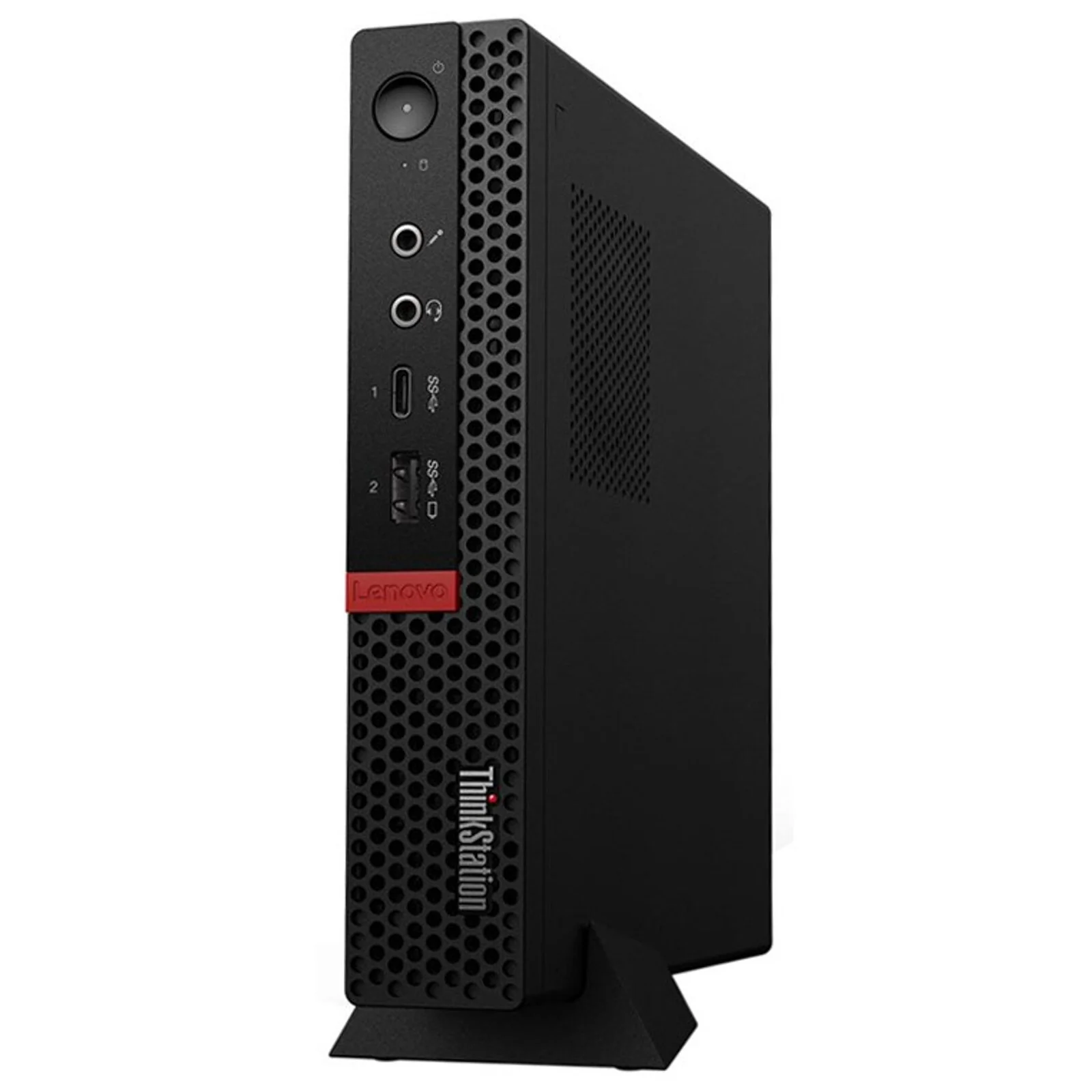
You want a computer that saves space, works well, and does not cost too much. A refurbished all-in-one computer can give you all three. It combines the monitor and computer into one unit, so you avoid extra cables and bulky towers. Many people now choose this option because it offers good performance at a lower price while still handling daily work, study, and home tasks.
In this guide, you will learn how these systems work, who should buy them, what to check before purchasing, and how they compare to other options.
Why Many Buyers in Refurbished Desktop Computers Australia Choose All-in-One Systems
Across refurbished desktop computers australia markets, buyers often look for simple and affordable setups. An all-in-one system fits well in small homes, classrooms, reception areas, and shared workspaces.
Instead of placing a tower under your desk and connecting multiple wires, you get everything built into the screen. This saves desk space and makes cleaning easier. It also reduces cable mess, which helps your workspace look neat and professional.
For many users, this design makes daily computer use less stressful and more comfortable.
What Is an All-in-One Computer?
An all-in-one computer is a desktop system where the processor, storage, and memory are built inside the monitor. You only need a keyboard and a mouse to start working.
It looks similar to a standard monitor, but inside it works like a full desktop PC. Because everything is combined, the setup is simple. You plug it in, connect to the internet, and begin.
These systems are popular in:
- Home offices
- Schools and libraries
- Medical clinics
- Retail counters
- Reception desks
They are ideal if you want a clean and compact setup.
What Does “Refurbished” Really Mean?
When a computer is refurbished, it has been tested, repaired if needed, cleaned, and reset for resale. It is not just “used.” It goes through checks to confirm that it works properly.
Most refurbished units may have:
- Minor cosmetic marks
- Replaced parts like SSD or RAM
- Fresh operating system installation
- Performance testing
This process allows you to buy business-grade machines at a much lower price than new ones.
Key Benefits for You
1. Lower Cost
You pay much less compared to buying new. This helps if you need multiple systems for staff or students.
2. Space Saving
You avoid bulky towers and extra wires. This is helpful if your desk is small.
3. Simple Setup
Installation is quick. You do not need advanced technical skills.
4. Good Performance for Daily Tasks
Most all-in-one systems handle:
- Web browsing
- Emails
- Video calls
- Microsoft Office
- Accounting software
- School assignments
If your work is not heavy video editing or gaming, these systems usually perform well.
Who Should Consider Buying One?
You may benefit from this type of system if:
- You work from home
- You run a small office
- You manage a clinic or reception desk
- You need a study computer for your child
- You want a clean and minimal desk setup
However, if you need powerful graphics for gaming or advanced design software, a traditional desktop tower may be better.
What to Check Before Buying
Before you buy, look at these important points:
Processor (CPU)
An Intel i5 or i7 (or similar AMD option) works well for most users. For basic browsing and documents, even an i3 can be enough.
RAM
8GB RAM is ideal for smooth multitasking. 16GB is better if you open many programs at once.
Storage
Choose SSD storage if possible. It makes the computer start faster and run smoother.
Screen Size
Most all-in-one systems come in 21 to 27 inches. Pick a size that fits your desk and viewing comfort.
Warranty
Always check if a short warranty is included. Even 3 to 6 months gives peace of mind.
How Long Do These Systems Last?
A well-maintained business-grade desktop can last several years. Many refurbished machines come from offices where they were used carefully.
If you:
- Keep it clean
- Avoid overheating
- Install updates
- Use a surge protector
You can expect reliable service for years.
Are They Good for Business Use?
Yes, especially for:
- Front desk staff
- Call centers
- Customer service teams
- School computer labs
They look professional and take up less space. If you need to buy multiple units, refurbished options help reduce total cost.
Are There Any Downsides?
Every product has limits. Here are a few things to consider:
- Upgrading parts can be harder compared to tower desktops
- Graphics performance is usually basic
- Repairs may require professional help
Still, for normal work and study needs, these systems perform well.
Tips to Get the Best Value
Follow these simple steps before purchasing:
- Compare specifications, not just price
- Check seller reviews
- Ask about the warranty
- Confirm operating system version
- Make sure keyboard and mouse are included
These steps help you avoid problems later.
Environmental Benefits
Buying refurbished also helps reduce electronic waste. Instead of throwing away working systems, they get a second life.
This lowers demand for new manufacturing and reduces landfill waste. If you care about the environment, this is another positive point.
Is It Worth It for You?
Ask yourself:
- Do you need strong gaming performance?
- Or do you need a smooth system for work and study?
- Do you want to save money?
- Do you prefer a clean desk setup?
If your answers focus on affordability, simplicity, and space saving, then this option makes sense.
Final Thoughts
A refurbished all-in-one computer gives you good performance, saves desk space, and costs less than buying new. It works well for homes, offices, and schools that need dependable systems without high expenses. If you are planning to upgrade or add more systems, consider checking trusted suppliers like Tech Trade Group. They offer tested options and helpful support, making it easier for you to choose the right refurbished all-in-one computer for your needs.