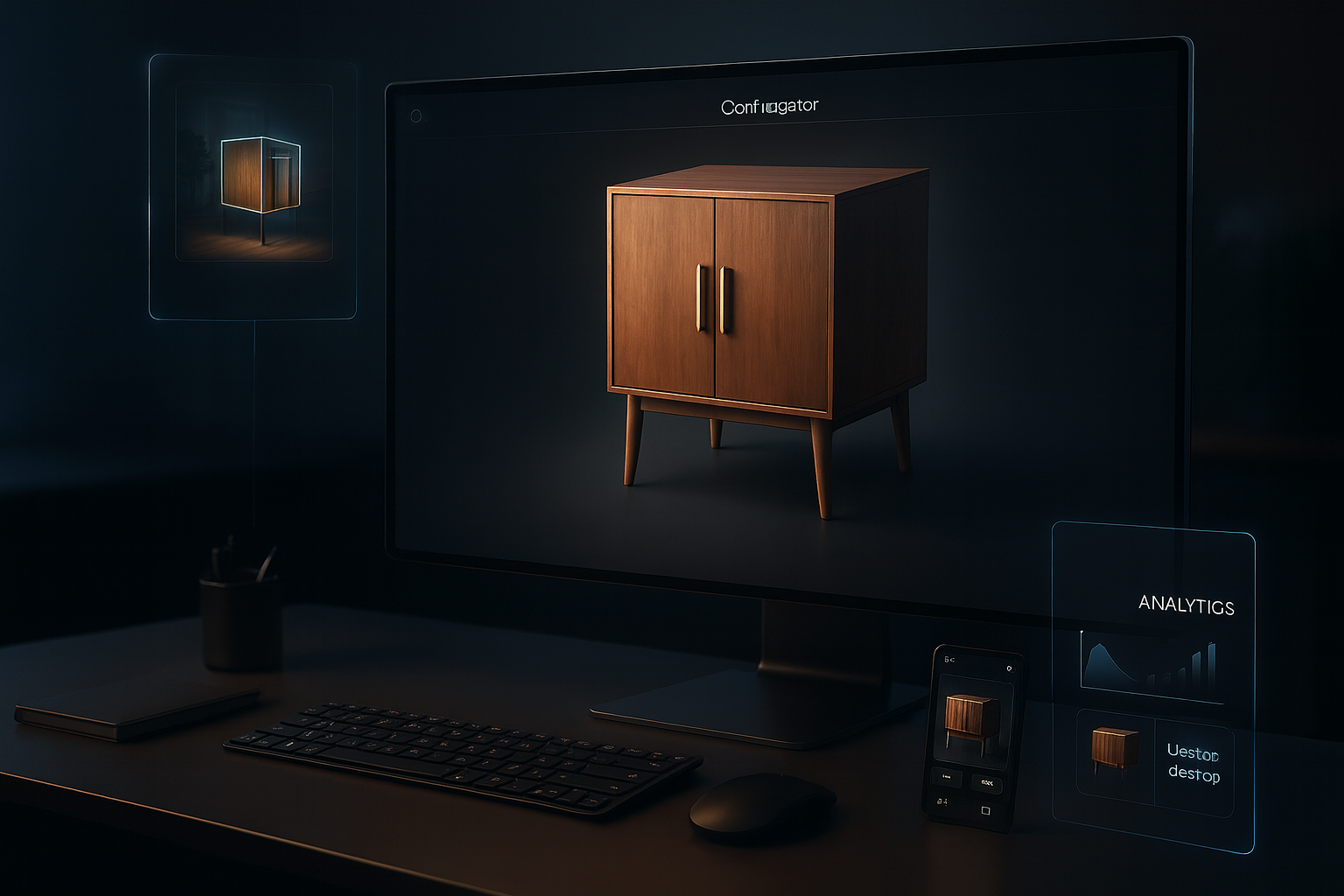
Selecting the right 3D configurator software can transform your business’s digital commerce capabilities, but with numerous solutions available in the market, identifying which features truly matter becomes crucial. The difference between a basic product customizer and a sophisticated configuration platform often lies in the depth and quality of specific features that directly impact user experience, business operations, and ultimately, your bottom line. Understanding which capabilities deliver genuine value versus those that simply sound impressive in marketing materials helps businesses make informed investment decisions that drive measurable results.
Real-Time Photorealistic Rendering
The foundation of any effective 3D configurator lies in its rendering capabilities. Real-time photorealistic rendering represents the technology that brings product visualizations to life, creating images so convincing that customers feel they’re viewing actual photographs rather than computer-generated models. This feature goes far beyond simple 3D graphics, incorporating advanced lighting simulations, material textures, reflections, shadows, and environmental effects that create truly immersive experiences.
High-quality rendering engines should handle complex materials convincingly. Whether displaying the grain of wood, the sheen of polished metal, the texture of fabric, or the transparency of glass, the configurator must represent these materials accurately. Customers making purchasing decisions based on material choices need confidence that what they see on screen matches what will arrive at their door. Poor rendering quality undermines this confidence and can lead to disappointment, returns, and lost trust.
Performance remains equally important as visual quality. The most photorealistic rendering means nothing if customers wait ten seconds between each configuration change. Modern consumers expect instant feedback, with configuration changes reflected immediately as they select different options. The best configurator software balances visual fidelity with performance, utilizing optimization techniques like level-of-detail rendering, efficient texture compression, and smart caching to deliver both beauty and speed. Progressive loading strategies that show lower-quality previews instantly while higher-quality versions load in the background create the perception of immediate responsiveness while still delivering stunning final visuals.
Intuitive and Customizable User Interface
Even the most powerful configurator delivers poor results if customers find it confusing or difficult to use. An intuitive user interface represents one of the most critical features, directly impacting configuration completion rates and customer satisfaction. The interface should guide users naturally through the configuration process, making it obvious which options are available, how selections interact, and what the overall impact of choices will be.
Customization flexibility within the interface allows businesses to create experiences that align with their brand identity and specific product requirements. The ability to modify colors, fonts, button styles, layouts, and interaction patterns ensures the configurator feels like a native part of your website rather than an obviously third-party tool. This seamless integration maintains brand consistency and professional appearance throughout the customer journey.
Logical option organization helps customers navigate complex configuration possibilities without feeling overwhelmed. For products with hundreds of potential options, grouping related choices into categories, presenting options in a sensible sequence, and showing only relevant choices based on previous selections all contribute to manageable experiences. Progressive disclosure techniques that reveal additional options as needed prevent information overload while ensuring advanced users can access every available customization.
Visual feedback mechanisms that clearly show which options are currently selected, which are unavailable due to conflicts or constraints, and which represent upgrades versus standard features help customers understand their choices. Color coding, icons, tooltips, and inline explanations all contribute to clarity. The best interfaces anticipate questions before customers ask them, providing just enough information at exactly the right moment.
Dynamic Pricing and Cost Transparency
Customers expect to understand the financial impact of their configuration choices in real-time. Dynamic pricing functionality that updates instantly as options are selected or deselected provides this transparency, showing customers exactly how each decision affects the total cost. This feature eliminates surprise at checkout, reduces cart abandonment, and helps customers make informed trade-offs between desired features and budget constraints.
Sophisticated pricing engines should handle complex pricing structures, including base prices, option premiums, package discounts, volume pricing, promotional offers, and regional variations. The ability to display prices in multiple currencies based on customer location, apply appropriate taxes automatically, and show comparative pricing between different configuration choices all enhance the purchasing experience. Some businesses benefit from showing pricing breakdowns that itemize how the total price is calculated, giving customers visibility into where their money goes.
Visual price indicators that highlight when customers approach or exceed budget limits, show savings from package deals versus individual options, or indicate value ratings for different choices help guide decision-making. These tools transform pricing from a simple number into actionable intelligence that helps customers optimize their configurations for both satisfaction and affordability.
Comprehensive Configuration Rules Engine
Products often have complex interdependencies between options where certain choices make others unavailable, require additional selections, or automatically include complementary features. A powerful configuration rules engine manages these relationships automatically, preventing invalid configurations while guiding customers toward viable options. This feature proves essential for products with technical constraints, safety requirements, or manufacturing limitations.
The rules engine should handle various relationship types, including dependencies, conflicts, recommendations, and automatic selections. When a customer chooses an option that requires another component, the system should either add that component automatically or prompt the customer to select it. When selections conflict, the interface should clearly indicate which options are incompatible and why, helping customers understand the constraints rather than simply blocking choices without explanation.
Flexibility in defining rules allows businesses to encode their specific product knowledge into the configurator. Whether dealing with physical constraints like components that don’t fit together, business rules like premium finishes only available on certain product lines, or recommendations like accessories that pair well with specific configurations, the rules engine should accommodate diverse logic without requiring custom programming.
Multi-View and 360-Degree Visualization
The ability to examine configured products from multiple angles dramatically enhances customer confidence in purchasing decisions. Multi-view visualization features should include preset camera positions that show products from front, back, sides, top, and bottom perspectives, as well as smooth 360-degree rotation that allows customers to orbit around products freely. This comprehensive visibility eliminates blind spots and ensures customers can examine every detail of their configurations.
Interactive rotation controls should feel natural and responsive, whether customers are using g mouse, touch, or a trackpad. Smooth animation during rotation, appropriate rotation speed that feels neither sluggish nor overly sensitive, and the ability to zoom in on specific areas for detailed examination all contribute to satisfying exploration experiences. Some advanced configurators also support vertical rotation, allowing customers to view products from above or below, which proves particularly valuable for furniture, vehicles, and architectural elements.
Preset views for highlighting specific features or showing products in realistic contexts add value beyond simple rotation. A furniture configurator might include a room setting view that shows how a configured sofa looks in a decorated living room, helping customers envision the product in their own spaces. Vehicle configurators often include dramatic angles that showcase design elements while also providing practical views that show dimensions and proportions clearly.
Augmented Reality Integration
Augmented reality functionality represents an increasingly essential feature that bridges the gap between digital configuration and physical reality. AR capabilities allow customers to place configured products virtually in their own environments using smartphone or tablet cameras, seeing how items look in their actual spaces before purchasing. This technology proves particularly valuable for furniture, home decor, outdoor equipment, and any product where size, scale, and environmental fit matter.
Effective AR implementation requires accurate 3D models scaled precisely to real-world dimensions, smooth tracking that keeps virtual products anchored realistically as cameras move, and lighting adjustments that make virtual objects blend convincingly with physical environments. The best AR features also allow customers to save photos of placed products, share them with others for feedback, and return to previous placements, creating utility that extends beyond initial novelty.
Web-based AR that works directly through browsers without requiring app installations improves accessibility significantly. While native apps can provide slightly superior performance, the friction of app downloads prevents many customers from experiencing AR features. Modern web technologies enable increasingly sophisticated AR experiences directly through mobile browsers, expanding the potential user base dramatically.
Robust API and Integration Capabilities
No software exists in isolation, and configurator platforms must integrate seamlessly with existing business systems to deliver maximum value. Comprehensive API capabilities enable connections between the configurator and e-commerce platforms, customer relationship management systems, enterprise resource planning software, product lifecycle management tools, and manufacturing systems. These integrations eliminate manual data transfer, reduce errors, and create efficient workflows from configuration through production and delivery.
E-commerce integration should be particularly seamless, with configured products flowing automatically into shopping carts with complete specifications, accurate pricing, and appropriate product imagery. The ability to save configurations for later purchase, share them via email or social links, and retrieve them across devices all depend on solid integration between the configurator and the underlying commerce platform.
Manufacturing system integration transforms configurators from sales tools into comprehensive order-to-production solutions. When configuration data flows directly to production systems in formats that machines and workers can use immediately, the entire fulfillment process becomes more efficient. Automated generation of cut sheets, assembly instructions, materials lists, and quality control specifications based on customer configurations eliminates transcription errors and accelerates production timelines.
Mobile Optimization and Cross-Platform Performance
With mobile devices accounting for an ever-growing share of online traffic, mobile optimization cannot be an afterthought. Superior 3D configurator software provides experiences specifically designed for mobile devices, not simply desktop interfaces squeezed onto smaller screens. Touch-optimized controls that respond to swipes, pinches, and taps intuitively, interface layouts that work within mobile screen constraints, and performance optimization for mobile processors and network speeds all contribute to successful mobile configuration experiences.
Cross-platform consistency ensures customers can start configurations on one device and continue on another without friction. Cloud-based saving of configuration states, synchronized accounts across platforms, and responsive designs that adapt intelligently to different screen sizes create continuity in the customer journey. Someone might browse options on their phone during a commute, refine their configuration on a tablet while discussing with a partner, and finalize the purchase on a desktop computer, all without losing progress or encountering confusing interface changes.
Performance considerations become even more critical on mobile devices with their limitations in processing power, memory, and network bandwidth. Efficient 3D model optimization, smart loading strategies that prioritize visible elements, and graceful performance scaling that maintains usability even on older devices ensure the widest possible audience can access configuration features.
Analytics and Reporting Capabilities
The data generated by customer interactions with configurators provides valuable business intelligence that can inform product development, marketing strategies, inventory planning, and pricing decisions. Comprehensive analytics capabilities should track which options prove most popular, where customers abandon configurations, which price points generate the strongest conversion, and what configuration paths lead to completed purchases versus exits.
Heatmap visualizations showing which product areas receive the most attention, interaction sequences revealing how customers progress through configuration options, and conversion funnel analysis identifying where drop-offs occur all help businesses optimize their offerings and interfaces. The ability to segment data by customer demographics, traffic sources, device types, and time periods provides a nuanced understanding of different audience behaviors.
Exportable reports that can be shared with stakeholders, integrated into broader business intelligence systems, or used for strategic planning discussions extend the value of analytics beyond immediate optimization. The best reporting interfaces balance comprehensive data with clear visualizations that make insights accessible to non-technical users while still providing the depth that analysts require.
Conclusion: Prioritizing Features for Your Specific Needs
While this exploration of features provides a comprehensive overview, not every business requires every capability at the same level. A furniture retailer might prioritize augmented reality and room visualization features, while an industrial equipment manufacturer might focus on complex rules engines and technical specification management. A jewelry company might emphasize photorealistic material rendering for precious metals and gemstones, while a vehicle manufacturer invests heavily in performance optimization for complex models with thousands of parts.
The key lies in understanding your specific products, customer needs, and business processes, then evaluating configurator software against these requirements rather than simply choosing the platform with the longest feature list. The best 3D configurator for your business delivers the capabilities that matter most to your customers while integrating smoothly with your existing systems and supporting your unique workflows. By focusing on features that directly impact your business objectives, you ensure your configurator investment delivers maximum value and positions your business for long-term digital commerce success.